


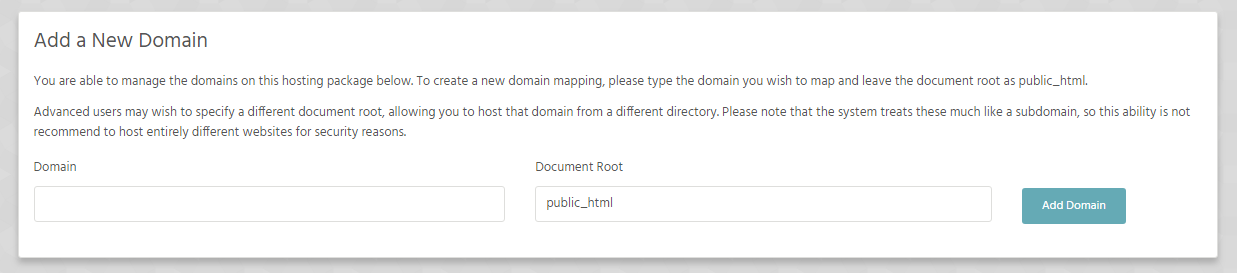
In your cpanel navigate to Domains, click on Domains.
Add your new Domain and change directory from public_html to anything you like different for each domain, then click add Domain.
Supercharge your hosting with detailed website analytics, marketing tools with help from our experts all the way. We're here to help you succeed!
With all mailboxes have 10 GB of data storage. It's unlikely that you should ever fill this unless you're receiving a lot of spam, or have a lot of emails with large attachments.
A nameserver manages a directory of domains that match specific IP addresses, like a phonebook: with names and numbers.
Each domain has at least two nameservers assigned, this that can take 24-48 hours and is known propagation.
After submitting a domain name for transfer, you can keep track of its status from the Pending Domain Transfer page.

Thank you so much i was stuck with my old host charging me for ssl certificates after a year and also for every email account, your host is great.

Designer
Best hosting plan i have ever had all in one price unlimited free email for all my domains. and free forever SSL certificates best hosting ever ty.
Director